

Shake Your Phone, Scan Instantly: PhonePe’s ‘Shake & Pay’ Makes UPI Payments Faster
If you use UPI for everyday payments, it often happens that it takes some time to first open the app to make a payment, then find the QR code scanner and then complete the payment process.


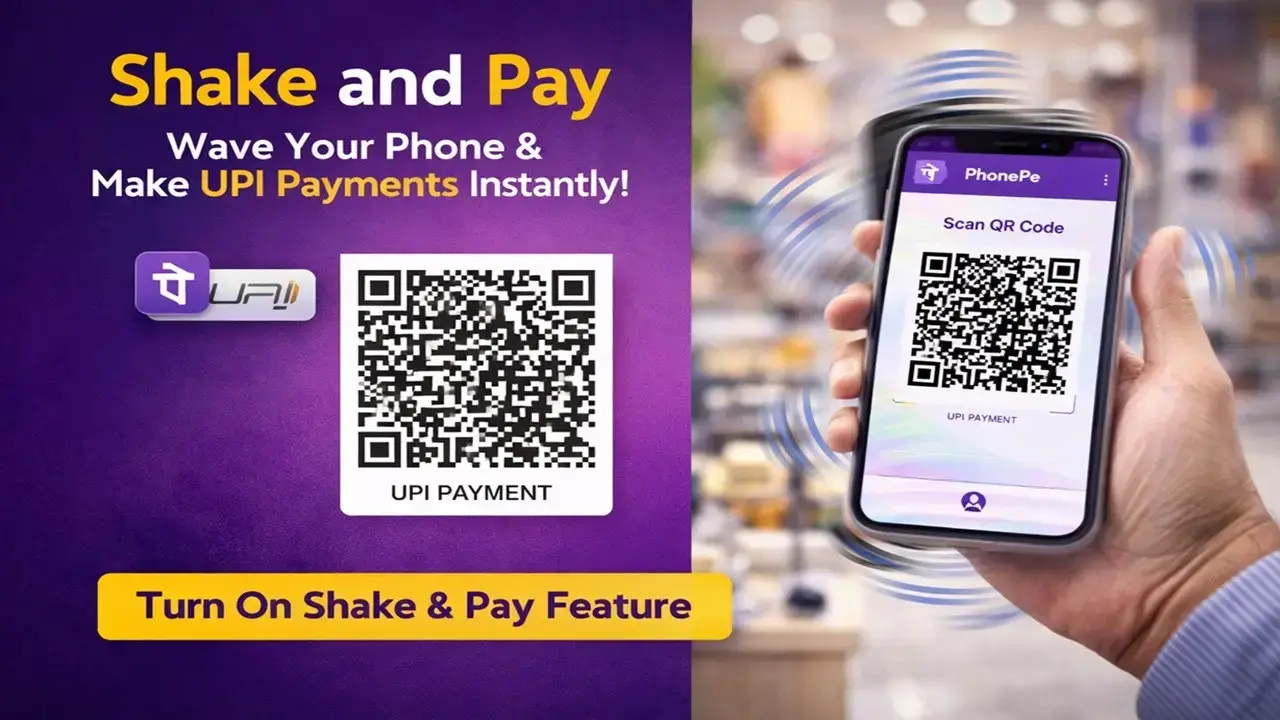
New Delhi: If you use UPI for everyday payments, it often happens that it takes some time to first open the app to make a payment, then find the QR code scanner and then complete the payment process. Especially when people do not keep the UPI app on their home screen due to security reasons. In such a situation, PhonePe has given a new feature, with the help of which the QR code scanner can be opened directly by shaking the phone slightly. This feature is called Shake and Pay and its aim is to make digital payments faster and easier.
What is ‘Shake and Pay’ feature?
As the name suggests, through this feature the user can directly access the option to scan the QR code by shaking his phone slightly. Normally people have to first open the app and then choose the scanner option. But with this feature this process becomes much shorter. By holding the phone in hand and shaking it slightly, the scanner opens directly and the user can make payment immediately.
Where and how does this feature work?
This feature is currently available in the PhonePe app. When the user activates this feature and the PhonePe app is open, shaking the phone immediately opens the QR code scanner. After this, payment can be made by scanning the QR code of any shop or person. This feature is especially useful for those who want to make quick payments and do not want to spend time searching through different options in the app.
How to turn on the feature?
To use this feature, first you have to open the PhonePe app. After this tap on the profile icon visible at the top left of the home screen. Then scroll down and find the Shake and Scan option and turn it on. Once this option is activated, whenever you open the PhonePe app and shake the phone, the QR code scanning page will directly pop up.
Payment even faster with biometrics
If users want, they can also use biometric security with this feature. In such a situation, after scanning the QR code, there will be no need to enter the PIN to complete the payment. The user can confirm the payment through facial recognition or fingerprint. This not only makes payments faster but also maintains security.


